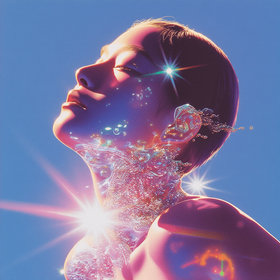
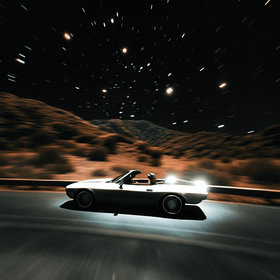
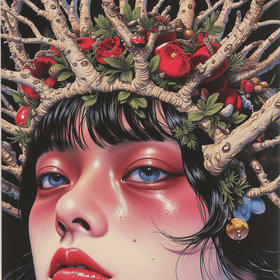
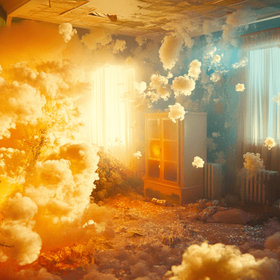
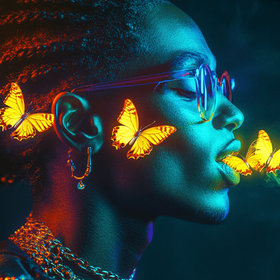
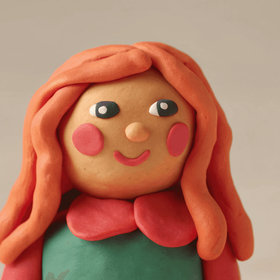
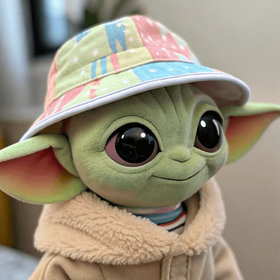
AI-powered creative tools
Use AI workflows to handle the repetitive parts of design: upscale, restyle, and generate on-brand visuals in minutes instead of hours, while you stay focused on creative decisions.
40+
Creative Tools
1-2 min
Avg. Generation

One toolkit for all creative needs
Start from templates for image editing, 3D, and marketing assets, then adapt the node graph to your brand. Feed in references, keep what works, and reuse the same workflows across campaigns instead of rebuilding every project from zero.
Image Editing
Upscale, remove, enhance
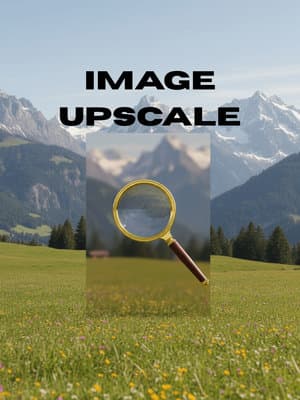
Image Upscale
Explore→
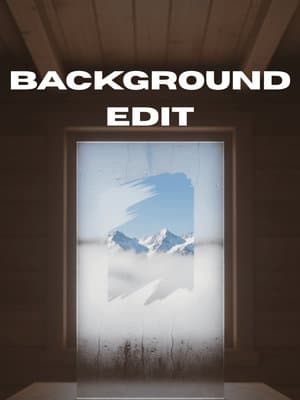
Background Remove & Edit
Explore→
.png&w=3840&q=75)
Style Transfer
Explore→
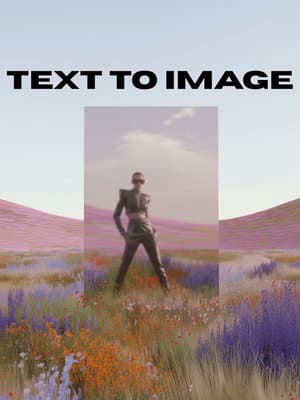
Text to Image
Explore→
.png&w=3840&q=75)
Angle Control
Explore→
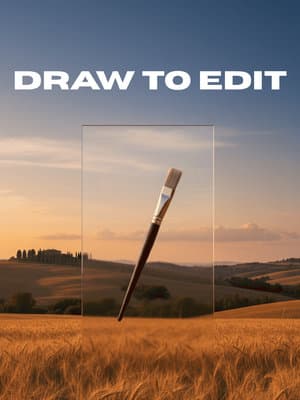
Draw to Edit
Explore→
AI Image Combiner
Explore→
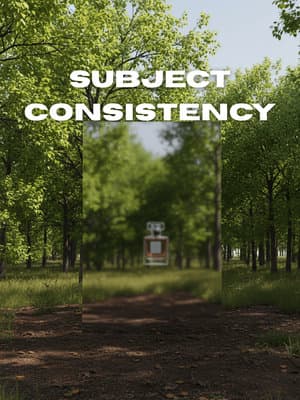
Subject Consistency
Explore→
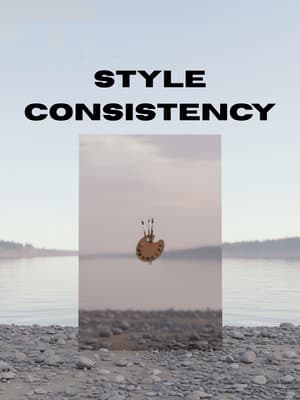
Style Consistency
Explore→
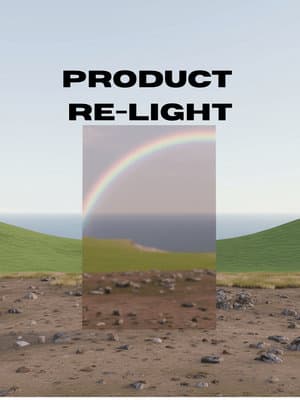
Subject Re-light
Explore→
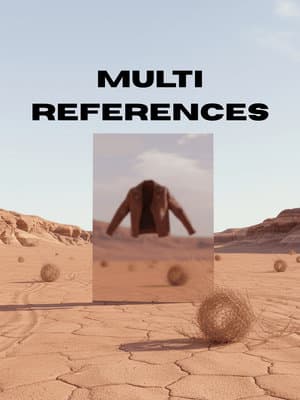
Multi References
Explore→
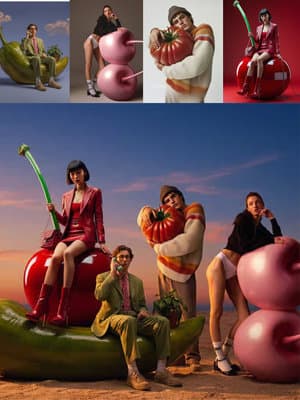
Multi-Reference Image Generator
Explore→
3D & Characters
Models, renders, interiors


.jpg&w=3840&q=75)
Marketing & Ads
Posters, ads, thumbnails
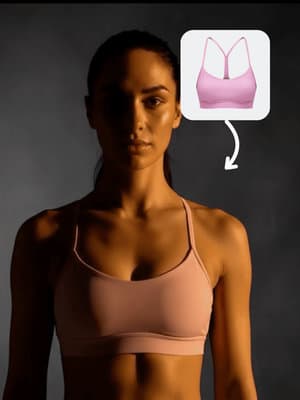
Athletic Ad
Explore→

AI Thumbnail Maker
Explore→
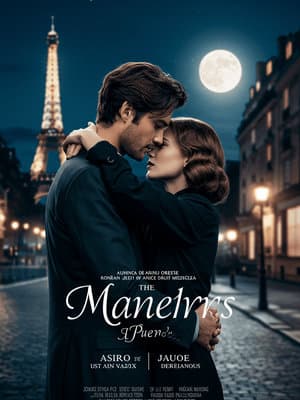
Movie Poster Generator
Explore→
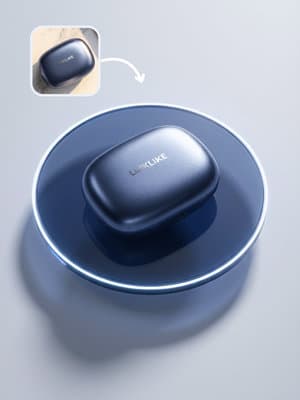
3C Brand Poster
Explore→
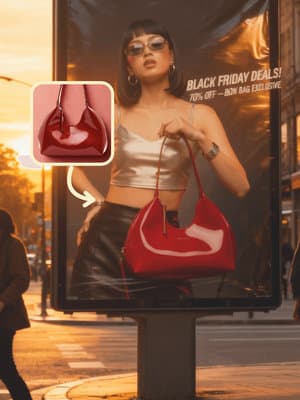
Black Friday Poster
Explore→
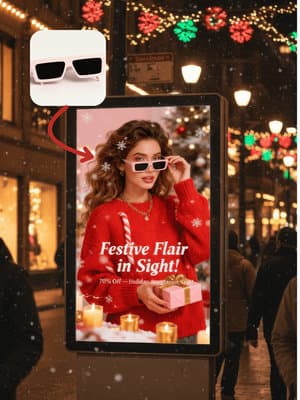
Christmas Sales Poster
Explore→

Christmas Fisheye Poster
Explore→
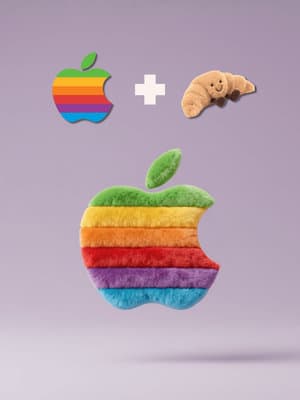
Brand Logo x Material
Explore→
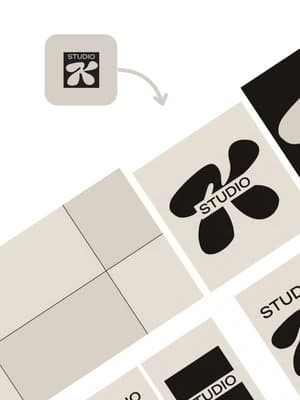
Branding Visual Style Extractor
Explore→
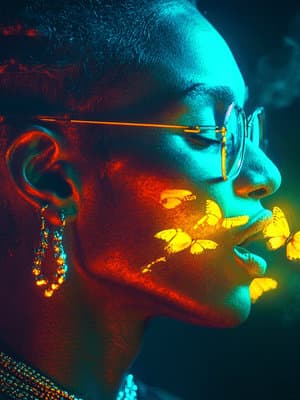
AI Album Cover Generator
Explore→
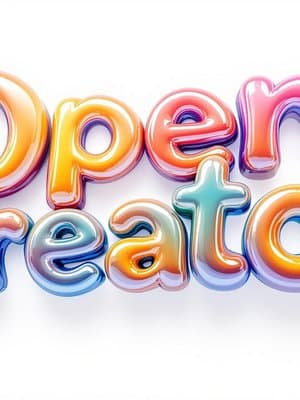
AI Text Effect Generator
Explore→
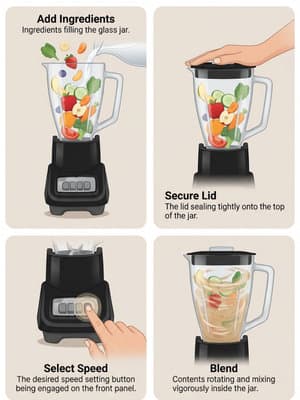
Instruction Flowchart Maker
Explore→
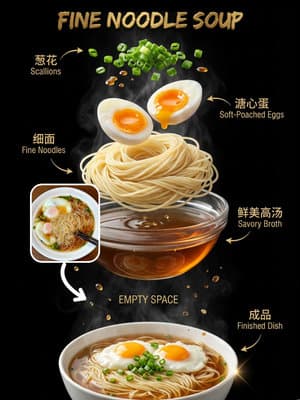
Food Flowchart Poster
Explore→
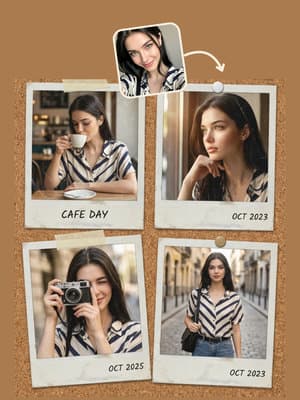
Polaroid Art Collage
Explore→
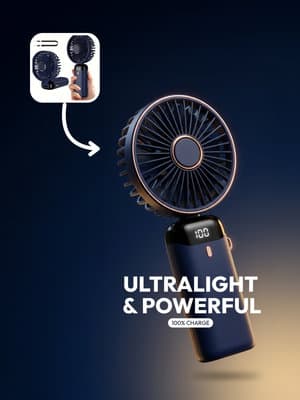
Meta Poster Ad
Explore→
One-click Story Board
Explore→
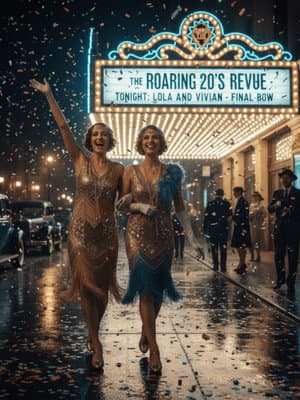
Storyboard Builder
Explore→
.png&w=3840&q=75)
Rednote Viral Post Factory
Explore→
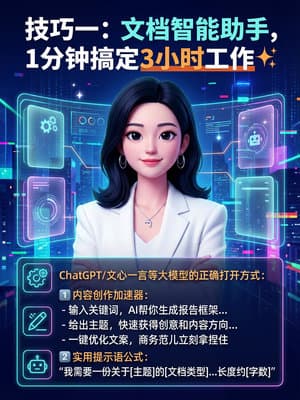
Rednote Auto Image Text Generator
Explore→
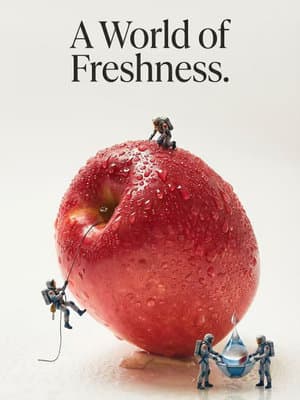
Mini Figure World
Explore→
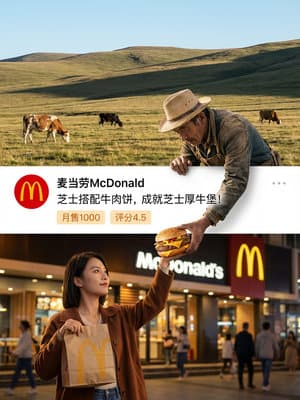
Three-panel Brand Creative Poster
Explore→
Dreamy Glass Material Generator
Explore→
Built for
Whether you're a professional designer or just getting started, AI makes professional-grade design accessible to everyone.
Designers & Artists
Speed up your workflow with AI-powered editing, generation, and enhancement tools. Focus on creativity, not tedious tasks.
Marketing & Brand Teams
Create on-brand visuals at scale. From social posts to ad campaigns, maintain consistency across all touchpoints.
Entrepreneurs & Startups
Build your brand identity and marketing materials without hiring a design team. Professional results on a budget.
FAQ
For image editing, style transfer, and upscaling, start with images that are sharp, not over-compressed, and at least 1024px on the shortest side. Avoid screenshots from chat apps or images with heavy artifacts. If you are combining multiple references (for example, mood boards or multi-reference templates), keep them visually consistent in lighting and style so the model can understand the direction more clearly.
Explore More Solutions
Discover other AI-powered workflows to elevate your creative production
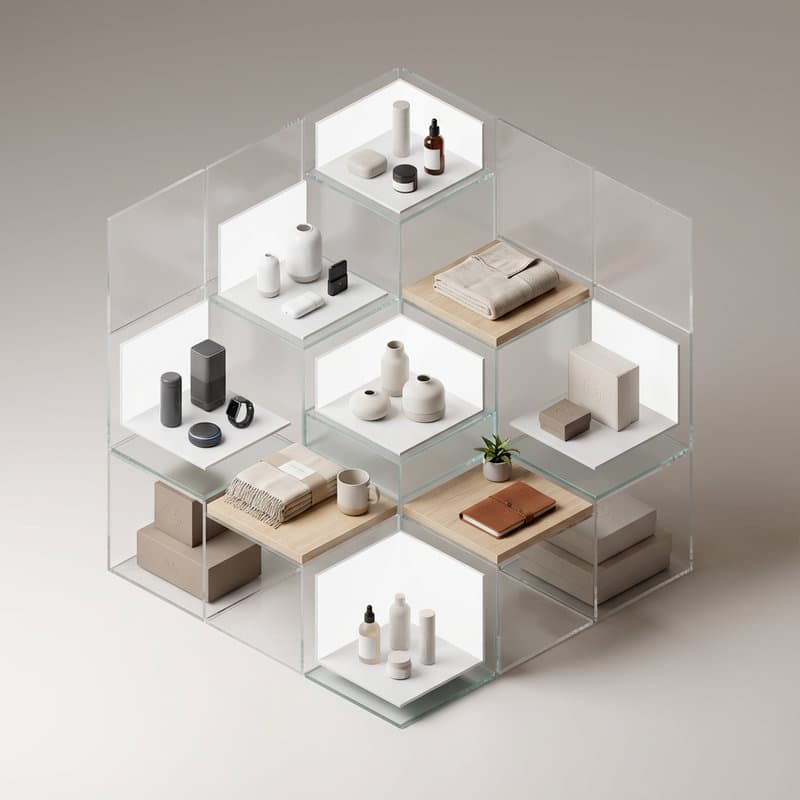
Ecommerce Product Images
Product photos for marketplaces and DTC stores

AI Fashion & Try-On
AI models, virtual try-on, and fashion campaigns
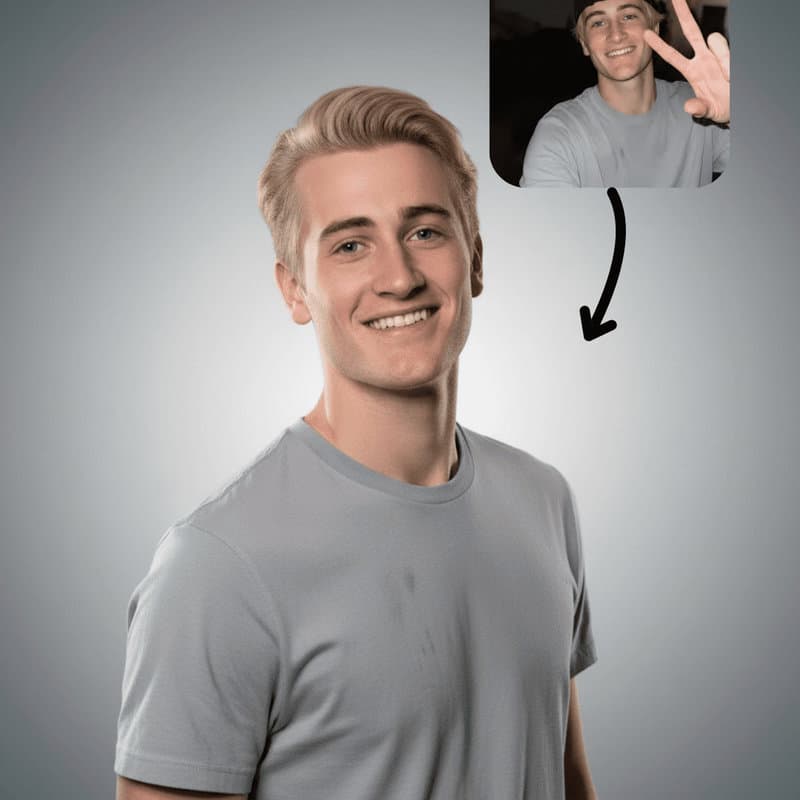
AI Portrait & Headshot
Headshots, avatars, and portrait content

AI Video
Text to video, image to video, and effects
Unleash Your
Creativity